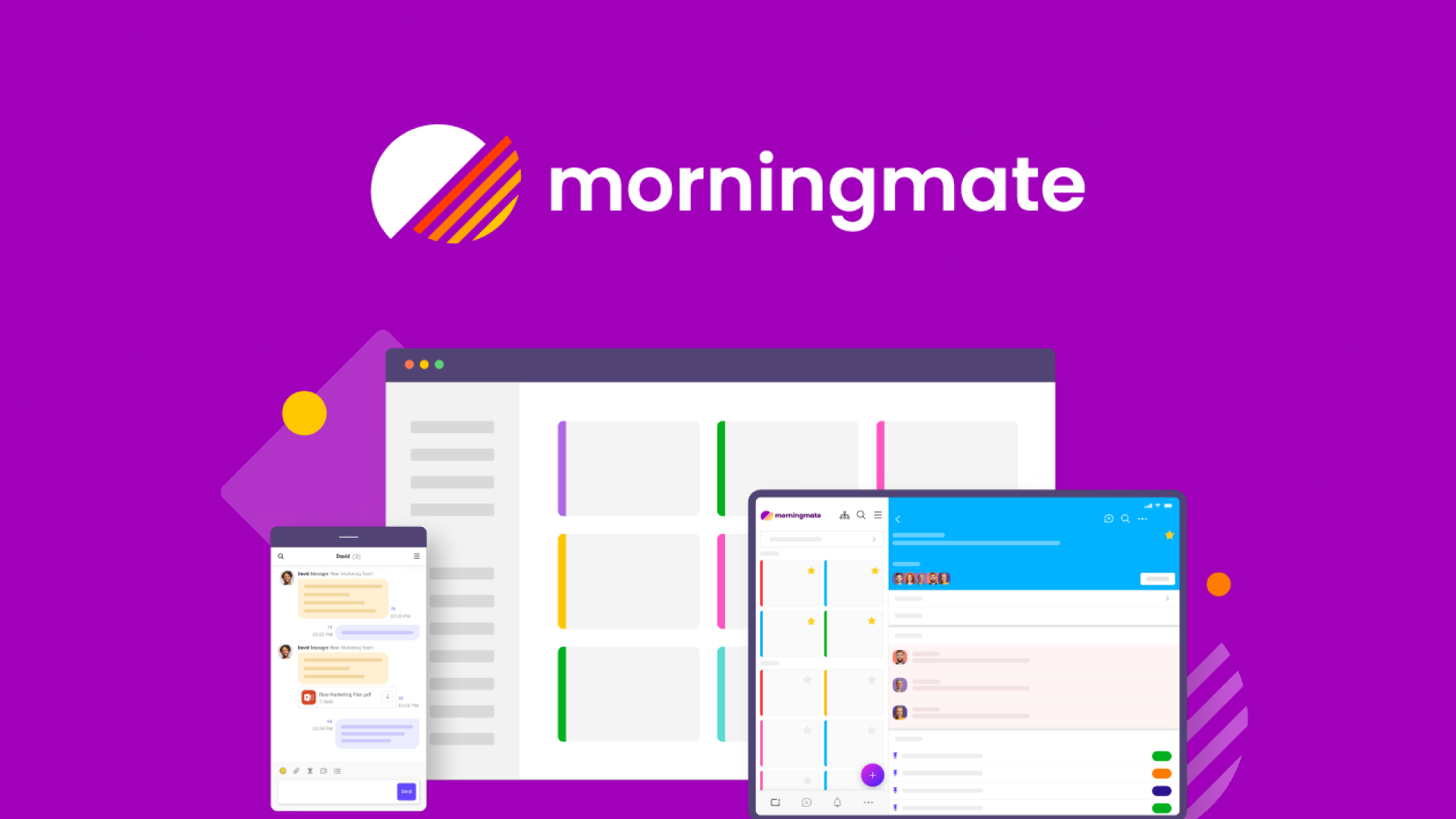
Collaborate with your team using a project management platform that feels just like social media
Overview
Morningmate is a project management tool that helps teams collaborate and manage their work on a social media-style interface.With morningmate, you can create Project Rooms to plan projects, track tasks, and communicate with teammates and clients.
Thanks to the Teams and Zoom integrations, you can connect via DM, group chat, or video call—all without ever leaving the platform.
This is perfect for hybrid offices, businesses with multiple locations, and agencies that work with a lot of clients, suppliers, or contractors.
This platform offers all the essential features for project tracking, like tasks, sub-task lists, assignees, statuses, and deadlines.
You'll have access to Gantt charts, calendars, attachments, and task views, so it’s easier than ever to make projects work for you.
And you can sync the calendar with your Google calendar to avoid double-booking meetings or accidentally missing deadlines.
One of morningmate’s unique features is the Project Feed, which is basically a social media-inspired “timeline” for your work.
You can post a project task and then plug in more details like sub-tasks, statuses, assignees, and checklists.
Not only can you like, bookmark, and comment on “posts,” but you’ll also be able to turn them into reusable templates for other project rooms.
Best of all, morningmate lets you customize personal workspaces with widgets that gather all the info you need to get the job done.
You’ll be able to connect to widgets that track mentions, notepad entries, bookmarked posts, assigned tasks, and more.
Plus, you can choose a default view for project rooms so you’re not constantly fiddling with settings.
Rest easy knowing morningmate’s customer support is always ready to help you create the workflow management layout that tailored for you.
With the project management setup you’ve got, it’s no wonder you’re already dreading next week. (“Raise your hand if you feel personally victimized by Mondays.”)
Luckily, morningmate offers every project management tool you need on a social media-inspired interface that your team will love.
Crush your work goals.
Get lifetime access to morningmate today!
Plans & features
- Lifetime access to morningmate
- All future Business+ Plan updates
- If Plan name changes, deal will be mapped to the new Plan name with all accompanying updates
- No codes, no stacking—just choose the plan that’s right for you
- You must activate your license within 60 days of purchase
- Ability to upgrade or downgrade between 5 license tiers
- GDPR compliant
- Only for new morningmate users who do not have existing accounts
- Existing trial accounts with morningmate are unable to be combined with this AppSumo offer
- Unlimited projects
- Files up to 1 GB
- Team feed
- Real-time chat
- To-do lists
- Schedule
- Task reports and list views
- Gantt chart
- Video chat integrations (Zoom and Microsoft Teams)
- Organizational chart
- Dashboard
- Project templates
- Enhanced security features and management controls
- Open APIs